

Emergency Alerts for the Nation’s Capital
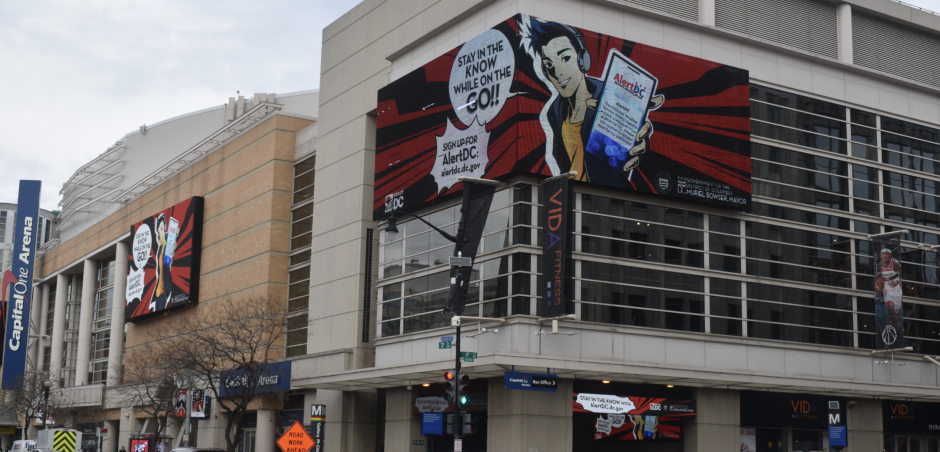
What is AlertDC?
AlertDC is the District of Columbia’s official emergency notification system. It delivers timely alerts that help individuals stay informed about critical incidents in the District. Anyone can sign up, but the system is especially useful for residents and those who work in the city.
Subscribers can choose to receive the following alert types via email, text message, and the Everbridge Mobile App:
- Amber & Silver Alerts
- Breaking News & Information
- DC Cold & Heat Alerts
- General Alerts
- Government & School Closings
- MPD Crime Alerts
- Planned Events & Traffic Advisories
- Severe Weather
- Transportation Incidents
- Utility Outage
How to Sign Up
- Sign Up for an Everbridge Community Profile: Create an Everbridge Community Profile by registering your phone number or email address. Then, search for and subscribe to “AlertDC”.
- Pick Your Delivery Method: Once you are subscribed to AlertDC, enter profile information and enroll your phone number and/or email address to receive alerts by email, text message, or the Everbridge Mobile App.
- Choose Your Alerts: Select the alert types you wish to receive.
AlertDC is one method the Government of the District of Columbia uses to communicate urgent information to individuals. Others include:
- Emergency Alert System (EAS)—information sent via television and radio
- Wireless Emergency Alerts (WEA)—information sent to mobile devices within a targeted geographic area
Account Support
What is the Everbridge Community Profile?
AlertDC is powered by Everbridge. Everbridge recently launched the “Everbridge Community Profile” to centralize subscriber account profiles across all participating jurisdictions. You can now create one Everbridge Community Profile to manage delivery methods and alerting types across multiple jurisdictions.
All new and existing AlertDC accounts will need to create an Everbridge Community Profile. This new account does not operate with a username and password, instead you will receive one-time passcodes via email or text message when logging into your account. Click here to set up your Everbridge Community Profile today.
How do I reduce the amount of alerts I receive?
Login to your Everbridge Community Profile and select “Washington, DC: AlertDC”. Once inside your AlertDC profile, select “My Subscriptions” to adjust the alert types you receive.
Who do I contact if I need help?
Click here for frequently asked questions.
Need to update your email or phone numbers?
Login to your Everbridge Community Profile and select “Washington, DC: AlertDC”. Once inside your AlertDC profile, select “My Profile” to adjust the alert types you receive.
Want to delete your AlertDC account?
Login to your Everbridge Community Profile and select “Washington, DC: AlertDC”. Once inside your AlertDC profile, select “Delete My Account”. You may also click “Unsubscribe” (at the bottom of AlertDC emails) and reply “STOP” (to any AlertDC text message).